
Creative Studio
Describe your world, build your pack: the AI draws every visual in the same style.
A server without visuals looks like every other one. The Studio draws your whole pack at once: icon, channel banners, 49 emojis, stickers, role icons and more. Your mascot or your logo shows up on every visual, in the same style and the same colors, then everything goes on your Discord in one click. The Studio requires a subscription and is paid with credits.
Add it to my serverRequires a Starter, Premium or Pro subscription, paid with credits. See the plans
Live preview
 Ultiz · Creative Studio
- Understanding your world
- Art direction
- Image search
- Drawing
- Wrapping up


Applied to your Discord
- Understanding your world
- Art direction
- Image search
- Drawing
- Wrapping up
Applied to your Discord
What it’s for
Your mascot everywhere
The same character acts out each channel on your banners, then becomes your emojis and your stickers. It stays true to your image.
A real art direction
The AI understands your world, searches the web for images and plans the whole pack before drawing: same style, same colors.
Applied in one click
Icon, banners, emojis, stickers, role icons, event cover: one button puts each visual in its place on your server.
One character, your whole server
You give your character once. It acts out each channel on your banners, becomes your emojis and your stickers, and stays true to your image from start to finish.
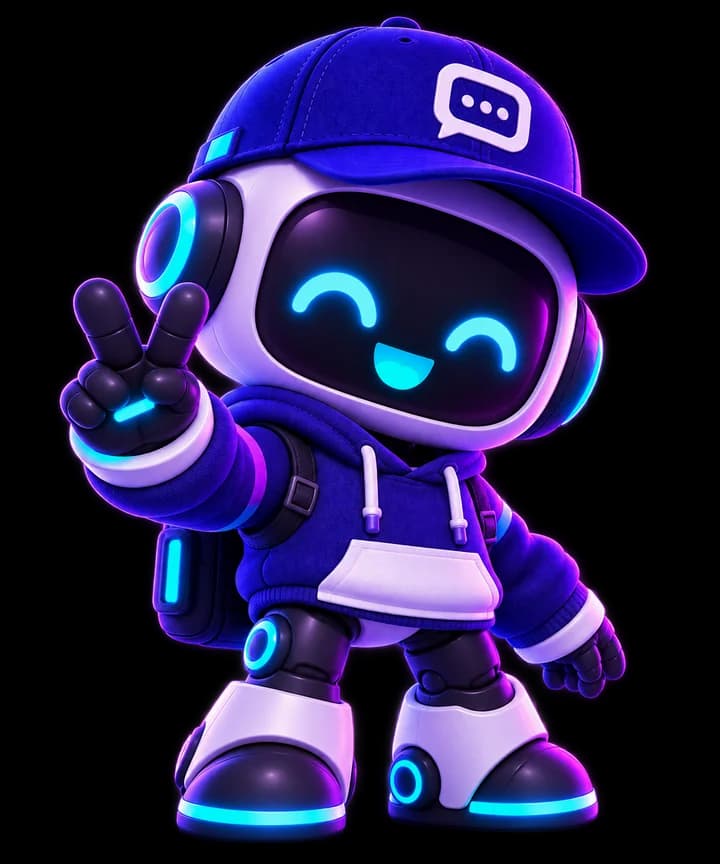
becomes
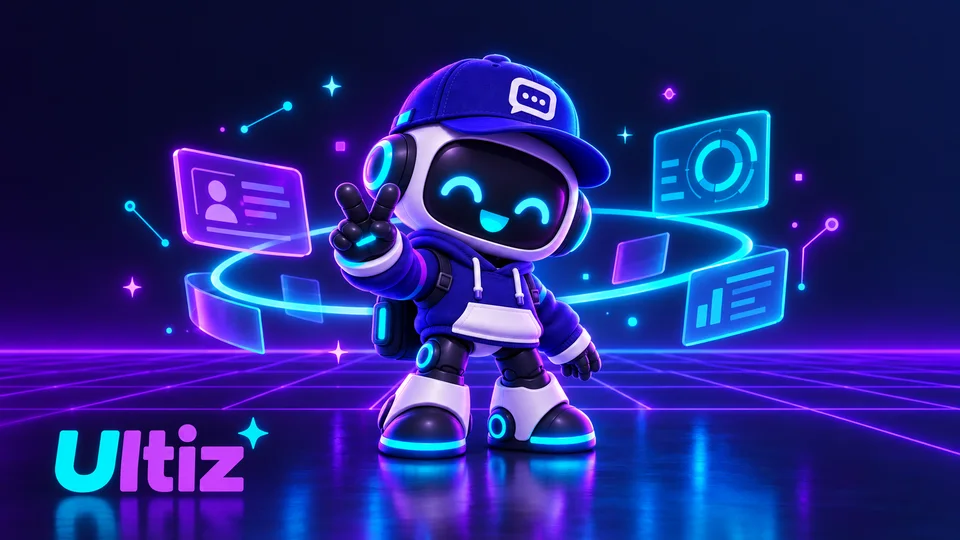
A real example: everything was drawn by the Studio from Ultiz’s mascot.
What represents your server?
It’s the Studio’s first question. Your answer shows up on your emojis, your stickers and your banners.
Front 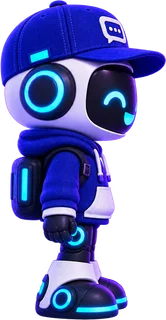
Side 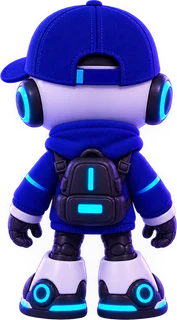
Back My mascot
Your character shows up everywhere: it acts out each banner and becomes your emojis and stickers.
The ideal image Full body, no background, sharp, from several angles.
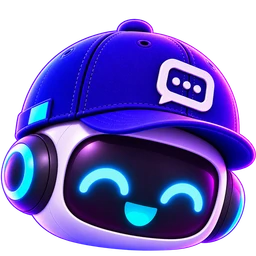
My logo
Your logo at the heart of the pack. It keeps its shape, symbols and colors; only the rendering follows your style. No character appears.
The ideal image A sharp logo, no background.
“Survival server among friends, night and campfire vibe, painted style, orange and midnight blue tones.”
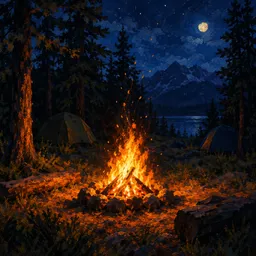
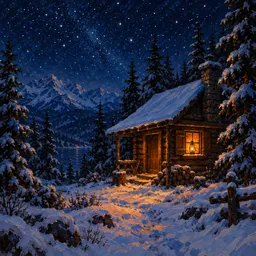
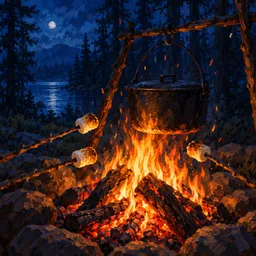 + inspiration images if you like
Freestyle
You describe what you want, the AI creates everything. The result depends mostly on your description.
Up to 3 images, in PNG, JPG or WebP.
The 9 visuals of your pack
Each card is a visual. The essentials are already checked: add or remove what you want, set the quantity and see each visual on Discord before you pay.
Channel banners
An image with a title, in the bot’s messages in each channel. Your mascot acts out what the channel is for.
- From 1 to 12, one per channel
- On your Discord: Built into the bot’s messages, channel by channel.
Server icon
Your server’s round logo.
- 4 options, you keep your favorite
- On your Discord: Becomes your server’s icon.
Stickers
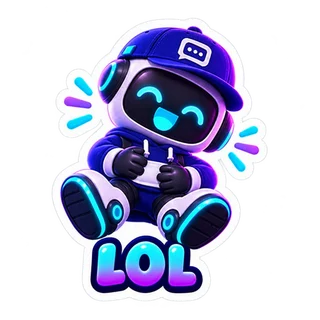
Your mascot in several emotions, with a word under each sticker if you like.
- From 1 to 9
- On your Discord: Added to your server’s stickers.
Emojis
All your server’s emojis, redrawn in your style.
- 49 emojis, no more, no less
- On your Discord: They replace the ones with the same names, and the bot’s panels are redrawn with them.
Event cover
The image of your Discord events. The AI can draw a title on it, which you can steer with your idea.
- 1 image
- On your Discord: Applied to all your upcoming events that don’t have an image yet.
Role icons
Boost level 2A small symbol next to each role’s name.
- From 1 to 16 roles
- On your Discord: Applied to the role with that name.
Gallery images
Illustrations of your world.
- From 1 to 10, one idea per image
- On your Discord: Stored for the bot, which shows them in its panels.
Server banner
Boost level 2At the top of the channel list. A scene, with no text.
- 1 image
- On your Discord: Becomes your server’s banner.
Invite background
Boost level 1The backdrop of your invite page. A scene, with no text.
- 1 image
- On your Discord: Becomes the background of your invite page.


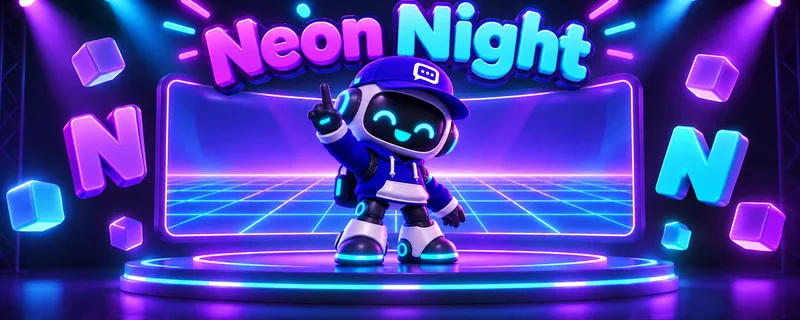


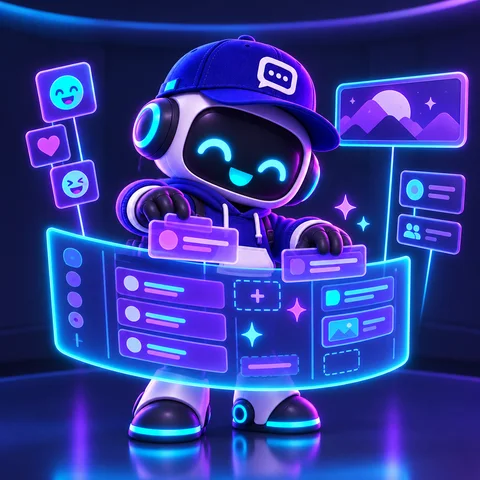
13 styles, the same character
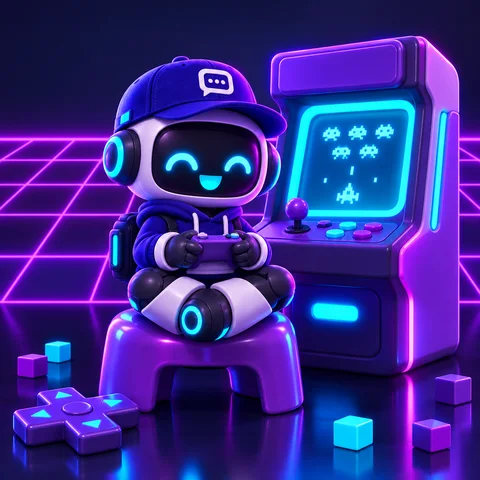
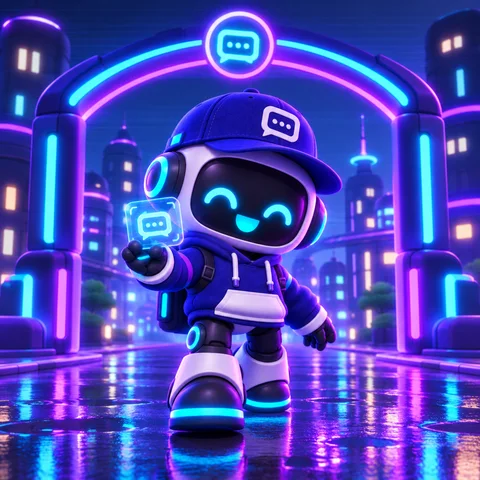
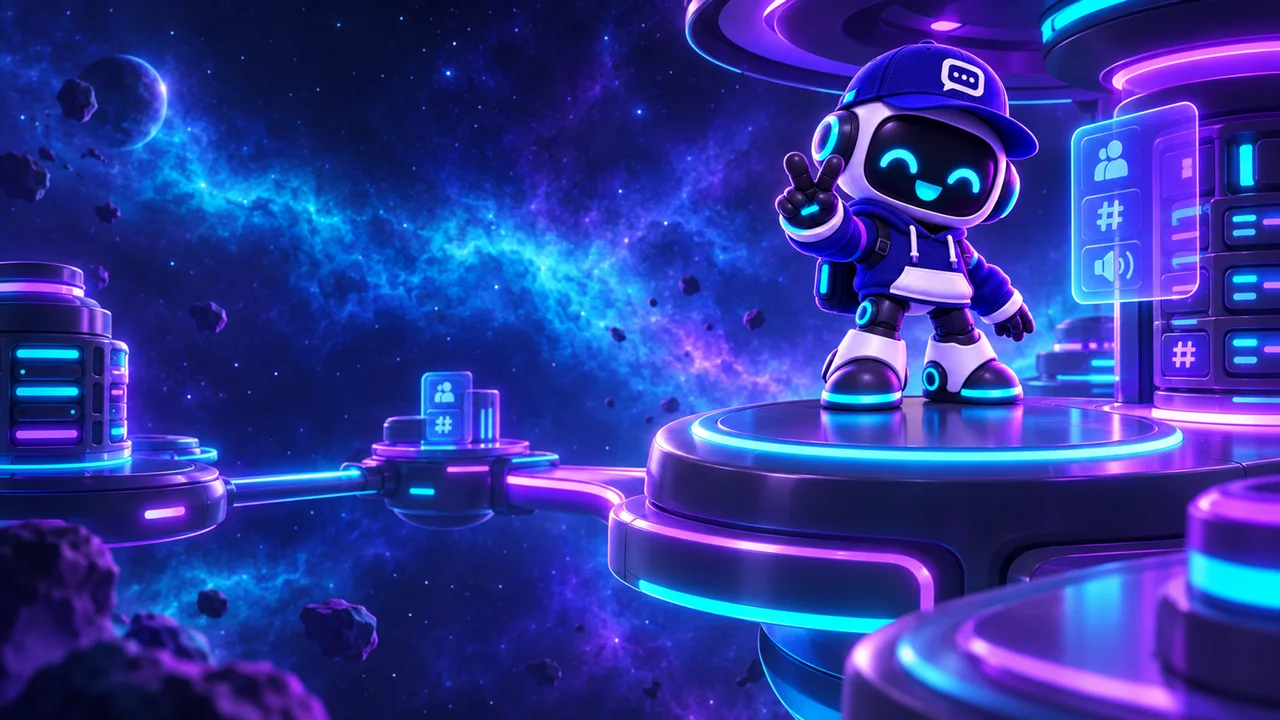
A ready-made style, if you like. Otherwise, the AI picks one from your world. Each image shows the same mascot, drawn by the Studio.
- Let the AI chooseThe style that fits your theme best.
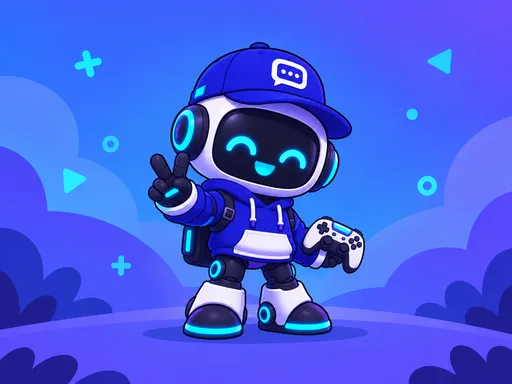 CartoonThick outlines, bright colors, fun.
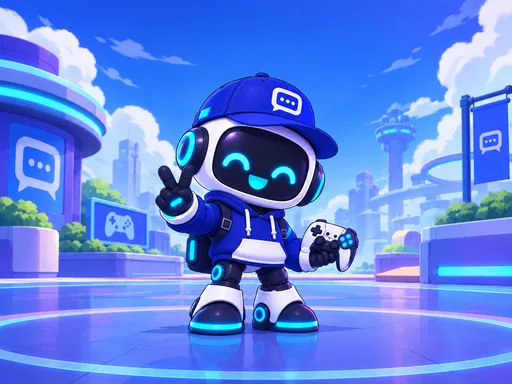 AnimeThe Japanese anime look.
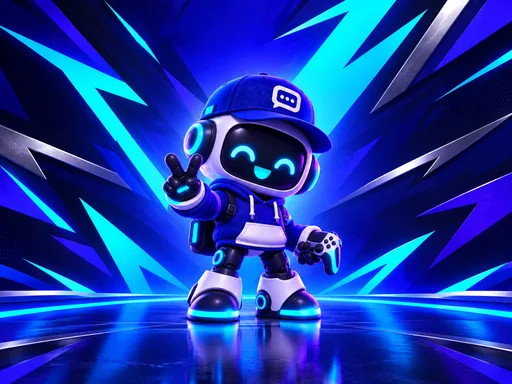 EsportsSharp shapes, strong contrast.
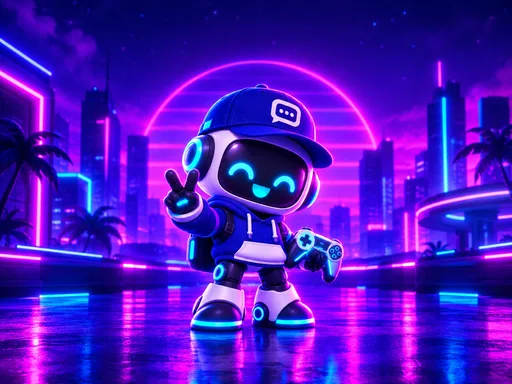 NeonGlowing lights on a night background.
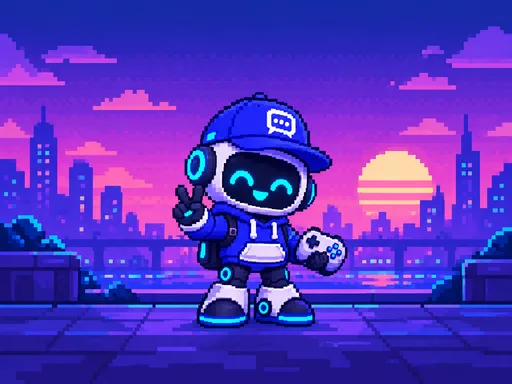 Pixel artRetro, 16-bit style.
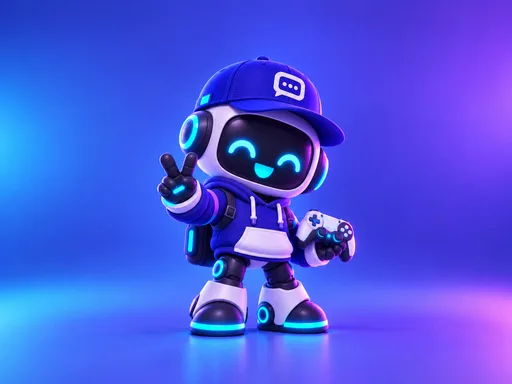 3DGlossy render, rounded shapes.
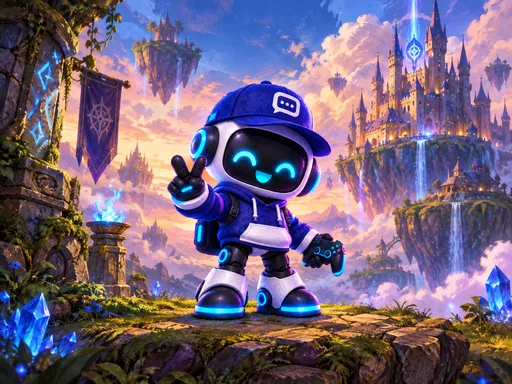 FantasyEpic, painted, magical.
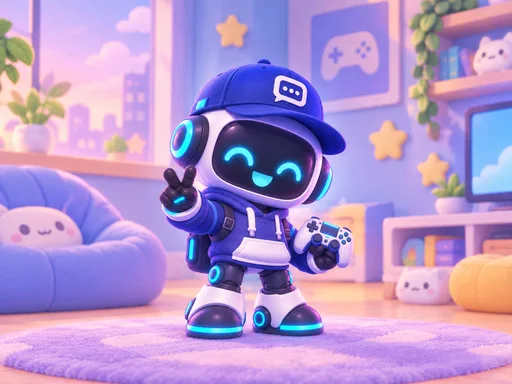 CozySoft, pastel, cute.
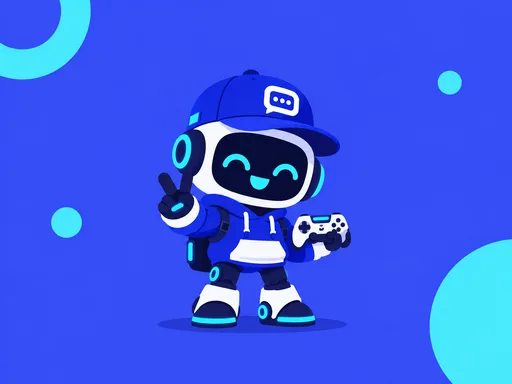 MinimalistSimple shapes, few colors.
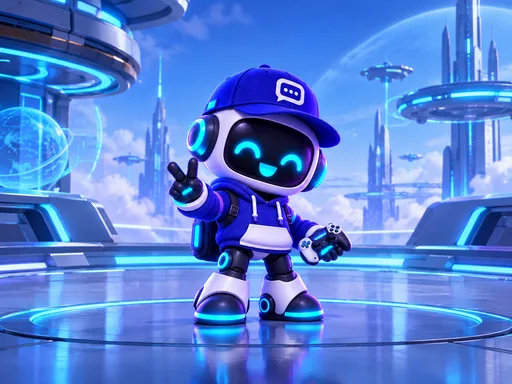 Sci-fiFuturistic, blue and metal.
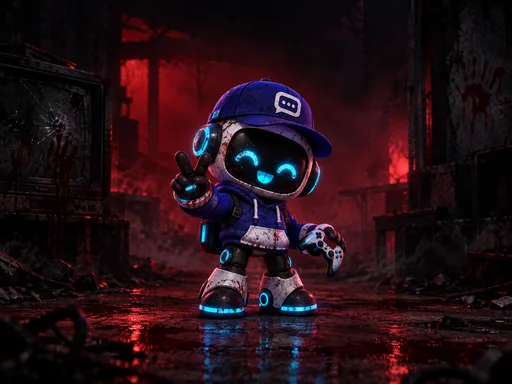 HorrorDark and eerie.
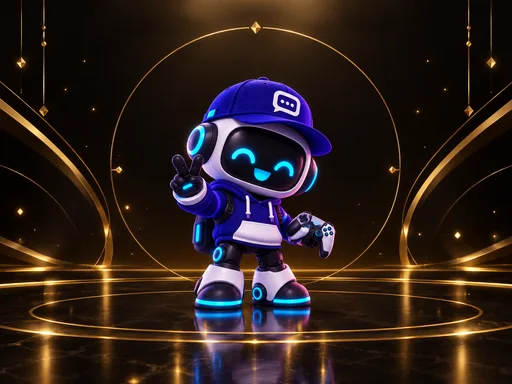 LuxuryBlack and gold, elegant.
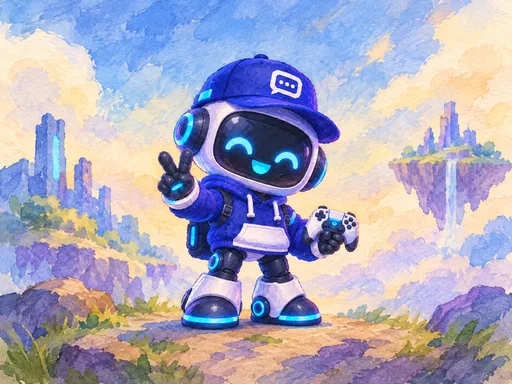 PaintingWatercolor and gouache.
Colors the whole pack follows
Pick one of the 12 palettes, your own color, or let the AI decide.
- Automatic
- Night neon
- Sunset
- Ocean
- Forest
- Ember
- Pastel
- Royal
- Ice
- Candy
- Cyber
- Desert
- Monochrome
- I choose
The model that draws
7 image models, each with its own style and price. Pick one for the whole pack, or another one for a single visual, from its card.

GPT Image 2.5OpenAI
RecommendedDefault
The most reliable: it follows your instructions to the letter and writes text without mistakes.
Also draws emojis, stickers and role icons

Nano Banana 2.1Google
The successor to Nano Banana 2, and cheaper. It can also draw your emojis, stickers and role icons.
Also draws emojis, stickers and role icons
Nano Banana 2Google
A rich, detailed look with vivid colors.

Seedream 5.0 FlashByteDance
Polished, detailed illustrations, fast.

FLUX.3Black Forest Labs
A beautiful look, great for scenes and banners.

Grok Imagine 2.0xAI
A punchy, high-contrast style, but the slowest.

Muse ImageMeta
Creative and surprising: it picks its own framing.
Emojis, stickers and role icons are drawn on one sheet, then cut out: only GPT Image and Nano Banana 2.1 can do that. With another model, they stay on GPT Image.
The price follows the model and shows on each card. A table compares prices, visual by visual.
How it works
Your world
You choose what represents your server: your mascot, your logo or a free description. If you like, you fine-tune the style and colors.
Your pack
You check the visuals you want, pick the model that draws and see each visual on Discord. The price updates live.
Creation
The AI understands your world, sets the art direction, searches for images, then draws. You can close the page: the creation keeps going and waits for you.
On your Discord
One button adds the pack to your server, another downloads the .zip. Don’t like a visual? Redo it and keep the version you prefer.
Settings
- Your image
- Up to 3 images of your character or your logo, in PNG, JPG or WebP. Without an image, the AI invents another character: a window warns you first.
- Your character’s name
- For example: Ultiz, the robot in a cap. It helps the AI keep your character true across the whole pack.
- Describe what you want
- In Freestyle, your description does everything: theme, vibe, style, colors. The more precise it is, the more the result feels like you.
- Fine-tune the style and colors
- Optional: a ready-made style and a palette. Without a choice, the AI decides from your world.
- Your idea
- An optional field on each card to say what the visual should show. Left empty, the AI decides.
- How many?
- For banners, stickers, role icons and gallery images: the number of images in your pack.
- A word under each sticker
- An option to write a word under each of your stickers, in your language.
- Redo
- A new version of a visual, in the pack’s style. You check the one you keep, and you can try another model.
- Pick your icon
- The icon comes in 4 options: you keep your favorite, and that’s the one applied.
- My packs
- All your packs stay here, even the visuals made before the new Studio. You can apply or download them whenever you want.
What you need
The Studio is one of Ultiz’s AI tools: it requires a subscription and is paid with your credits.
A subscription
Starter, Premium or Pro. The free plan can’t spend credits on AI tools.
- Starter500 credits each month
- Premium1,000 credits each month
- Pro2,000 credits each month
Credits
Your subscription gives you some every month. The exact price of your pack shows before you pay, charged once.
Nothing lost
Anything that isn’t delivered is given back automatically, down to the credit, even if you stop the creation.
Good to know
The text drawn in the images is written in your language: banner titles, words under stickers and the event cover title.
Some visuals need a boost to be applied: level 1 for the invite background, level 2 for the server banner and role icons. You can create them first: they wait for you in My packs.
Discord limits emoji and sticker slots depending on your server’s boost. The Studio tells you how many are left, and what doesn’t fit waits for you in My packs.
The new emojis replace the ones with the same names, and the bot’s panels (modules, tickets, forms) are redrawn with them. The Studio warns you first.
Ready to try it on your server?
Turn this module on in a few clicks from your Ultiz dashboard.