
Server makeover
Your existing server, tidied up and restyled from top to bottom. Nothing lost.
An active server grows on its own: channels added over the months, categories out of order, plain gray names, rules split across three unreadable messages. Redoing it all by hand takes hours. The makeover reads your Discord, shows you the tidy, restyled version, and only touches it if you say yes. Available with a subscription.
Add it to my server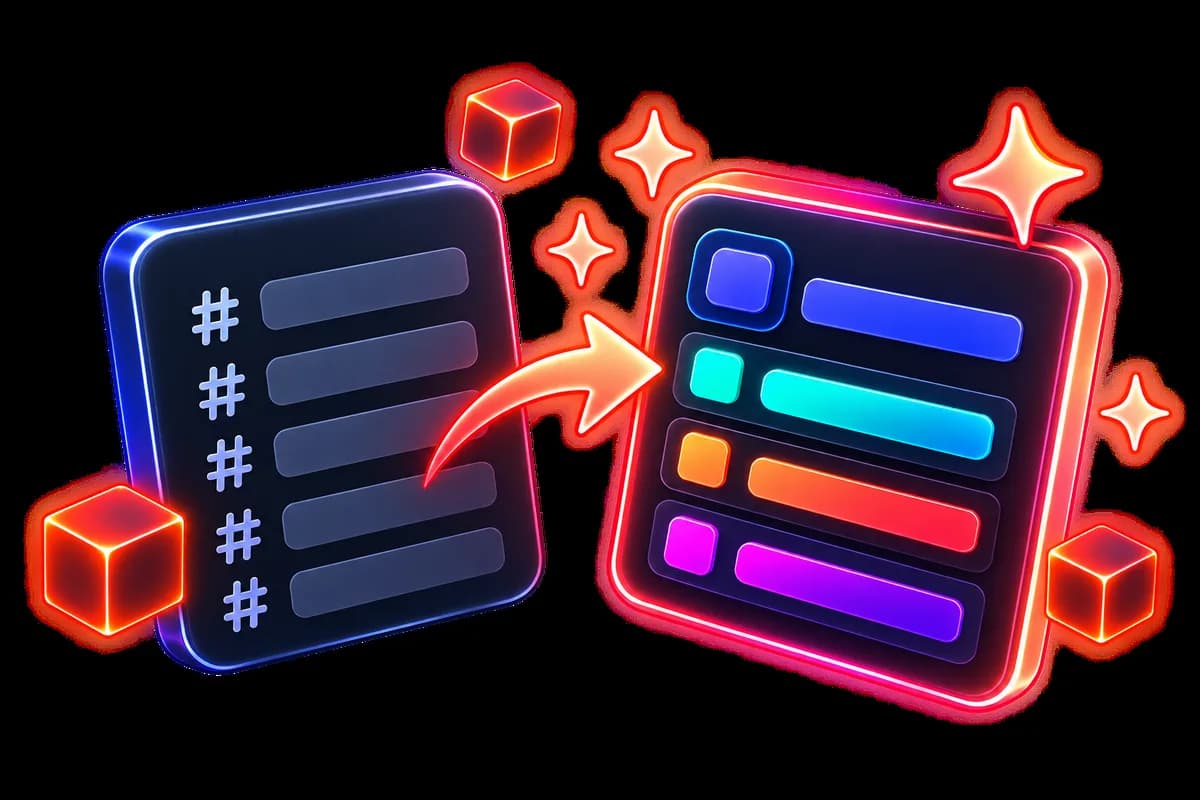
Live preview
 Ultiz · Server makeover
Before
- general
- general-2
- stuff
- help?
- voice-chat
- test
After
- WELCOME
- 👋│welcome
- 📜│rules
- COMMUNITY
- 💬│general
- 🎨│creations
- HELP
- 🎫│support
Apply to my server
Before
- general
- general-2
- stuff
- help?
- voice-chat
- test
After
- WELCOME
- 👋│welcome
- 📜│rules
- COMMUNITY
- 💬│general
- 🎨│creations
- HELP
- 🎫│support
Apply to my server
What it’s for
See it before, not after
Before and after, side by side. Open a channel to read its new text. Nothing goes to Discord until you click.
Your channels are not rebuilt
They are renamed and redecorated. Your members, permissions and conversations stay where they are.
The content too, not just the names
That wall of unreadable rules becomes a real panel: headings, dividers and icons in your color.
How it works
Ultiz reads your server
One button, a few seconds. It counts your channels, your roles and the info channels to redo. This scan costs no credits and changes nothing.
It creates your style and rewrites your info channels
A look made just for you (emojis, category decoration, colors for roles that have none), then the new text for your info channels. About a minute. Both passes use credits.
Review and fine-tune
Two columns: before, after. Click an info channel to see the exact panel it will get. Changing the color, decoration or separator is free and instant: the AI is not called again.
Apply
The button writes everything to your Discord. If old messages need to be replaced, a final red screen tells you how many, and you can still cancel.
Settings
- Fine-tune
- The button that opens the settings, at the top of the preview. Closed at first: if you like everything, you never need to open it.
- Server color
- Your color. It is applied to roles without a color and to your info channel panels. The preview redraws instantly, at no credit cost.
- Category decoration
- The shape of your category names, from 24 templates. You see the real result, not the template name.
- Channel separator
- The small character between the emoji and the channel name, from 28 options, also shown for real.
- Look inside
- On each info channel in the right column. It opens the final panel, exactly what Discord will receive, in your color.
- Channels to redo
- The list of info channels with their message count. Checked: its text is replaced. Unchecked: it is left alone. Above 8 messages, the box starts unchecked, so it is up to you. Ultiz redoes up to 12 channels at a time, and tells you which ones it leaves for next time.
Good to know
A renamed channel keeps everything. However, in an info channel you leave checked, the old messages are truly deleted and replaced by the new panel: Discord cannot bring them back. Pinned messages are kept, and so are messages posted after the preview.
Closed the tab or reloaded the page? Your makeover waits for you where you left it for 2 hours. After that, you need to run the server scan again, which is free.
Until you click Apply, nothing exists on Discord. The preview and your tweaks stay in your browser.
Ready to try it on your server?
Turn this module on in a few clicks from your Ultiz dashboard.